

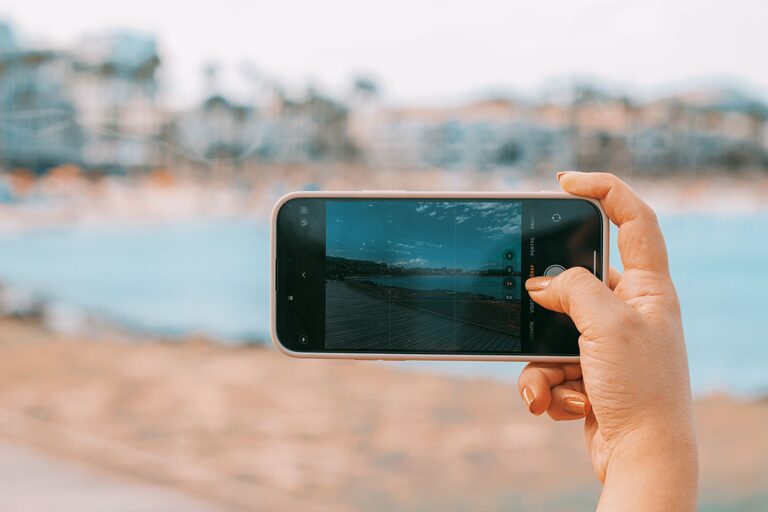
Taking great photos with your phone doesn’t have to be complicated. With a few simple tips, you can turn ordinary shots into eye-catching images. Whether you’re capturing memories, sharing moments on social media, or exploring photography as a hobby, these beginner tips will help you take better photos with your phone.
Understand Your Phone Camera
Explore the Camera App Features
Before you start snapping photos, take some time to explore your phone’s camera app. Many smartphones come with built-in modes like portrait, panorama, night mode, and more. Learning what these modes do can help you choose the best settings for different scenes.
Use the Highest Resolution
Check your camera settings and make sure you’re shooting at the highest resolution available. Higher resolution photos retain more detail and give you more flexibility when editing or cropping your images.
Focus on Composition
Use the Rule of Thirds
A simple way to improve your photos is by using the rule of thirds. Imagine your screen divided into a 3×3 grid. Position your main subject along these lines or at the intersections. This technique creates balance and makes photos more visually appealing.
Keep the Background Simple
Cluttered backgrounds can distract from your subject. Look for clean, uncluttered backgrounds or change your angle to avoid distractions. Sometimes moving a few steps to the side or getting closer can make a big difference.
Leading Lines and Framing
Use natural lines in your environment—like roads, fences, or pathways—to guide the viewer’s eyes toward your subject. Framing your subject using doorways, branches, or windows adds depth and interest to your photos.
Find Good Lighting
Shoot in Natural Light
Natural light generally produces the best photos. Try to take pictures outdoors or near windows during the day. Early morning and late afternoon, known as the “golden hour,” offer soft, warm light that enhances your photos.
Avoid Harsh Midday Sun
Bright midday sun can cause harsh shadows and highlight areas to be too bright. If you’re shooting outside in strong sunlight, find some shade or use your phone’s exposure control to balance the lighting.
Use the Flash Sparingly
Phone flashes can create unnatural lighting and shadows. Instead, rely on available light when possible. If you must use the flash, try diffusing it by covering it lightly with a thin piece of tissue paper to soften the light.
Steady Your Shot
Hold Your Phone Steady
Blurred photos often result from shaky hands. Hold your phone with both hands and keep your elbows close to your body for added stability.
Use a Tripod or Stand
For even sharper images, especially in low light or night photography, use a small tripod or phone stand. This keeps the camera still and helps you avoid motion blur.
Use Timer or Voice Control
Using the timer or voice command to take shots reduces movement caused by tapping the screen. This is especially useful when taking selfies or group photos.
Experiment with Focus and Exposure
Tap to Focus
Your phone allows you to tap on the screen to choose what to focus on. Tap the main subject to make it sharp and clear.
Adjust Exposure
After tapping to focus, most phones let you adjust the brightness by sliding your finger up or down. Brighten or darken the image until it looks just right.
Lock Focus and Exposure
For tricky lighting situations, lock your focus and exposure by holding your finger on the screen until you see a lock icon. This prevents your camera from automatically changing settings mid-shot.
Edit Your Photos
Use Built-in Editing Tools
Most phones have easy editing features that let you crop, adjust brightness, contrast, and saturation. Even small tweaks can make a big difference in your photo’s appearance.
Try Free Photo Apps
If you want more control, many free apps like Snapseed or VSCO offer powerful editing tools. Remember to keep edits natural and avoid overdoing it.
Crop and Straighten
Cropping helps improve composition and removes unwanted distractions. Straightening your horizon line can also make a photo look more professional.
Practice and Have Fun
Take Lots of Photos
The more you shoot, the better you’ll understand your camera and develop an eye for good photos. Don’t be afraid to experiment with different angles, lighting, and subjects.
Study Other Photos
Look at photos you like, whether from friends, social media, or photography websites. Notice how they use light, composition, and color. Try to apply some of those ideas in your own pictures.
Enjoy the Process
Photography is a creative activity. Enjoy capturing moments and expressing yourself through your phone camera. Improvement comes naturally with practice.
—
With these beginner tips, you’re ready to take better photos with your phone. Remember, the best camera is the one you have with you, so start exploring and capturing your world today!